Heads Up! This post is archived, published for reference matters and older than 2 years, meaning that the reference links, the mentioned technologies, APIs and other content might have been changed or updated. For latest information, please refer to the links at the Credits and Resources section. Thank you!
I am excited to announce that I have recently updated the design of my blog. Although the old URLs are still working, all new posts will be published on the new blog.
I was going through all the settings and data I could find on my iPad. While looking at the Analytics Data my iPad collects, I discovered that some of the data Apple collects is remarkable.
In case you didn't know, your devices (and usually, the apps and websites you visit) collect usage statistics and send them to app developers. This is useful not only for detecting and fixing bugs, but also for developers to transparently see how users are using newly added features to the application or how well these features are performing in terms of performance and reliability.
Companies and individual developers who want to protect users' privacy but also need useful information about their applications are using some techniques to analyze data that could be classified as personally sensitive directly on the device. An example approach involves processing the data directly on the device and simply sending the results to the server, rather than collecting all collected data that might be considered personally sensitive (for example, timestamps and counts each time an app is launched) and sending it to a server. (in our example, instead of saying the user started the application at exactly this date and time, the application simply tells the server the application was launched 42 times this week). So the raw data collected is never sent to a server (and therefore could not be stored in the first place), but at the same time the developer can get the most useful results from more detailed data.
Apple also uses privacy-preserving techniques like this, and they also allow you to easily see the data collected and sent in Settings. Just visit Settings > Privacy > Analytics & Improvements > Analytics Data and you will be presented with all the analysis data collected from your device. You can always disable this telemetry for different categories at the same path. Most of the data is in a format called JSON, which is easy for both humans and machines to read and write.
There are many types of analytics collected, from the most frequently occurring things like JetsamEvent logs (which means the OS has to stop a process because there is not enough space in RAM) to more critical things like ResetCounter and panic files. Hopefully, you won't see the latter if you're also checking the logs on your devices right now.
Some of these are particularly important and larger in size. These files contain a combination of multiple analytics data, and their names often begin with Analytics. They also include analytics about different iOS components and how you use them. Let's take a look.
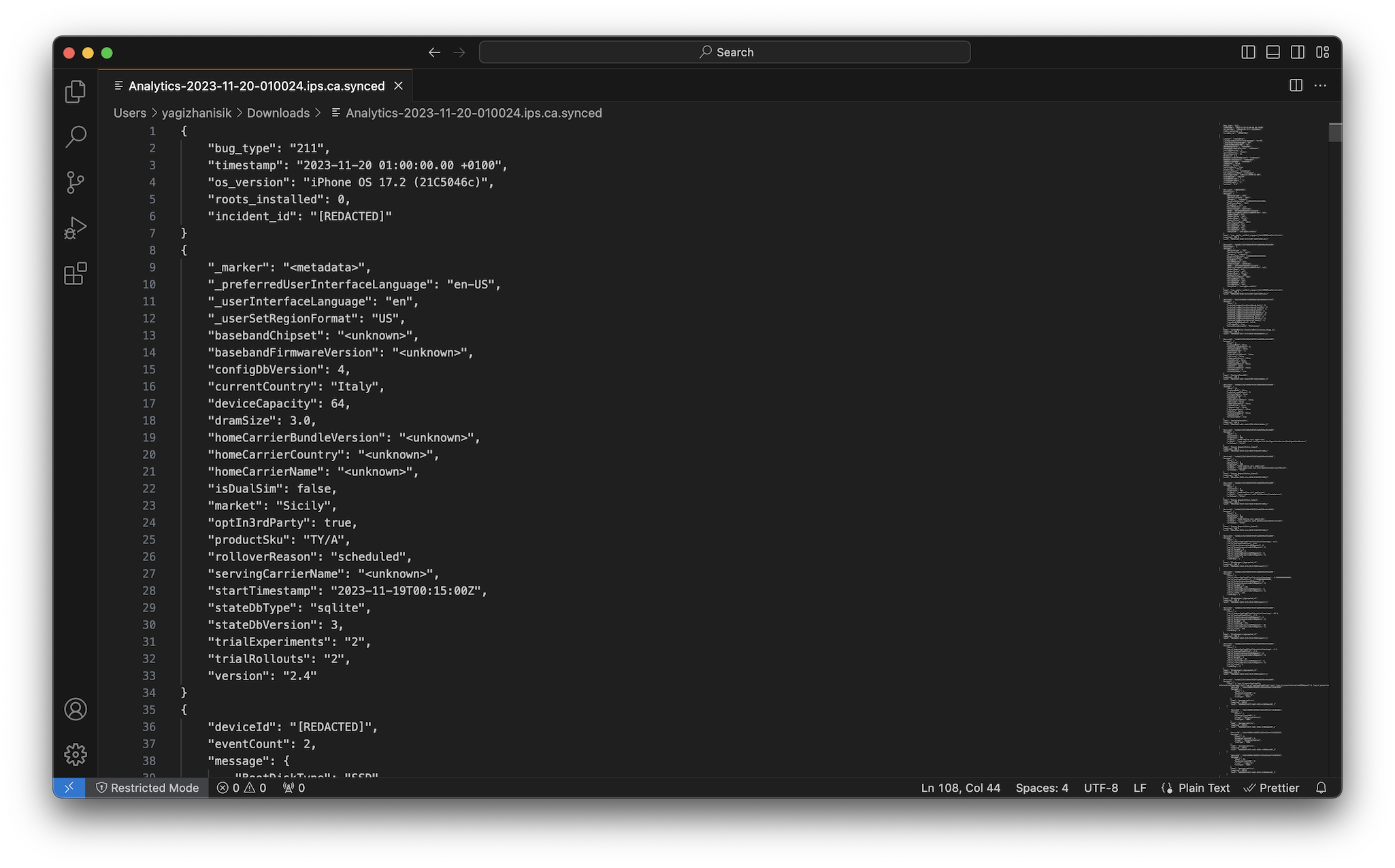
We come across some general information about the hardware, such as RAM size, storage size, model, intended retail region, the country you are currently in, and more. There is also other data about different processes and parts of the system such as AWDL, Bluetooth, BLE, Wi-Fi and Cellular. My favorite is “KeyboardFeatureUsageV5”. This data contains information about how you type on the keyboard and how well(!) you know the features of the keyboard. This is a great example of on-device processing of analytics data. Instead of sending a message to the server telling exactly how often you pressed buttons or used a feature each time, it summarizes your awareness of a feature on your own device and sends only that summary result. Apparently it doesn’t even send the number of times a particular feature is used.
Each attribute has a value between 1 and 6. 1 means you are not aware of this feature, and 6 means you use the feature all the time or type unusually fast for typing speed. The system seems to classify me as a “6” when I type on the hardware keyboard, thank you iOS! As I read through it all, I realized that I had never used the swipe-typing feature (I was classified as “1. Unaware"). I also noticed that I have above average typing speed and rarely use other features like the floating keyboard (which sometimes activates without my intention and annoys me).
Other data like ResetTelemetry2 includes when your phone was forced to reboot and the reason for the reboot. This might be helpful if your device randomly reboots itself and you're wondering why. BatteryLevelReportView5 contains some information about the health of your battery, what the thermal status of your phone is like, and whether it is moving or stationary while charging. There is also detailed information about your device's Wi-Fi and cellular connection performance.
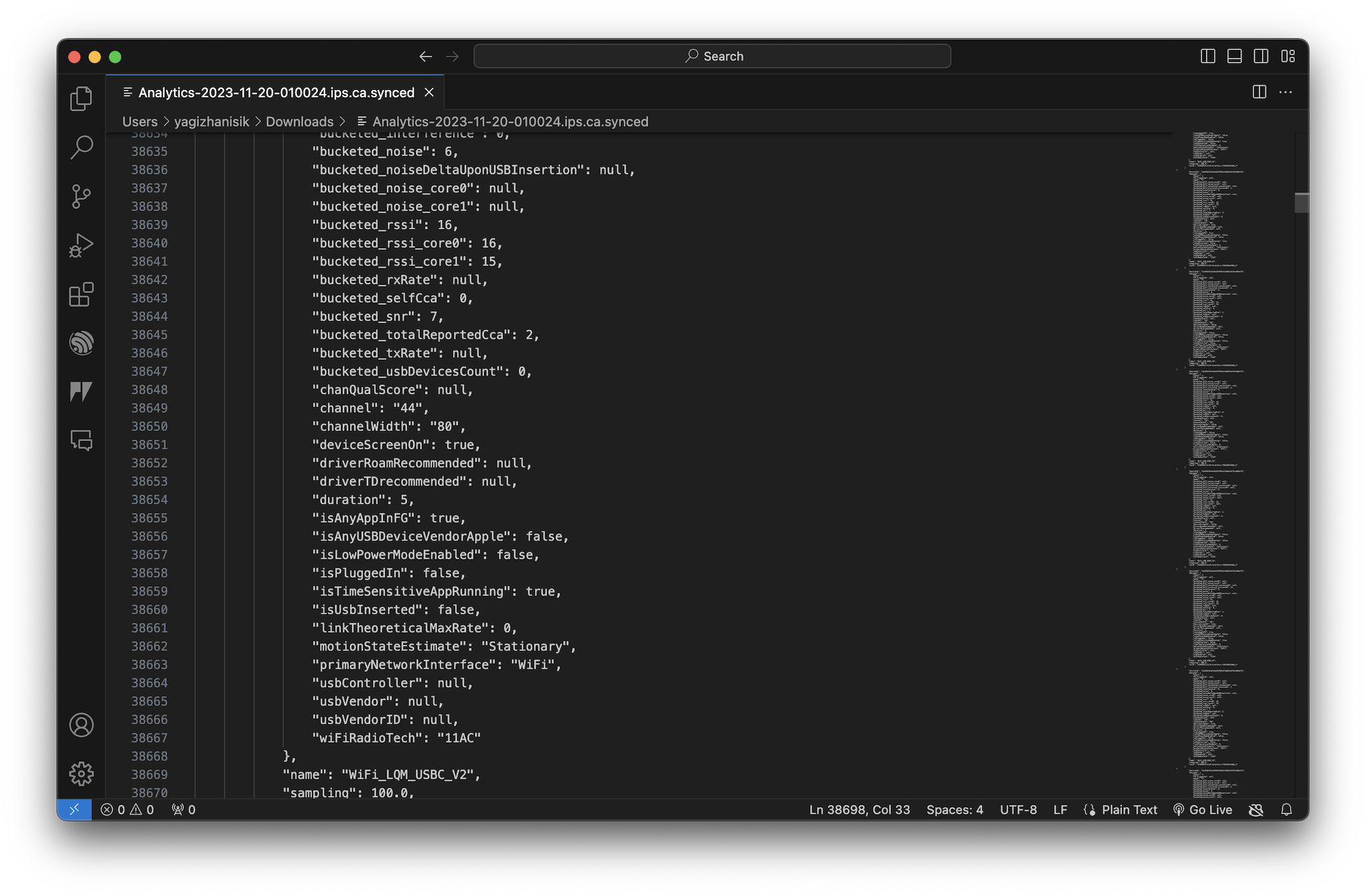
In conclusion, I can honestly say that I did not expect to see so many different types of data being collected, and in a way, I thought it would be more difficult to access this data. But it's also great to see that Apple is taking steps to protect user privacy more. Protecting user privacy doesn't always mean having less data to make decisions. On-device data processing is a powerful tool that allows you to protect users' privacy and at the same time retrieve data that is important to your business. I hope to see more companies and even individual developers using on-device data processing in the future.