AR has become popular in recent years. Web browsers and devices has many tools to bring best AR experince to the visitors. In this post, you will read basics of the AR and tips for richer experiences.
AR (Augmented Reality) is a technology getting popular and more useful. It allows us to combine real-world and virtual objects to create realistic experiences with them. But AR can do much more. For example, it can be used in a museum so visitors can learn much more about the items just using their phones. And also in shopping, you can buy furniture without visiting a physical store. Today, most devices support AR and AR on the Web. Although they are some differences, you can serve that experience for most of your visitors. But the most important thing, since we are living in a 3D world, AR requires 3D models to place in the world.
In this post, we'll be looking into the most-used tools that helps you to create AR models and experiences for your web projects.
<model-viewer>
model-viewer is Google's JavaScript Library to deliver AR experiences on
Android and iOS devices. It also shows the 3D view of the object for
desktop computers with environment support. It provides quick
configuration, also has many examples on its website (see Resources
section below).
As I mentioned before, to show the object on your website and bring it to the real-world with AR, you need a 3D object file of your object in the glTF™ (glb) format. glTF is a royalty-free format for 3D objects and it's mostly used in websites.
To convert your current 3D model to glb, there are many websites online that can create glb from other 3D formats. Once you have created the file, put it on a server and import <model-viewer> scripts to your page. To just create a 3D view and show your object on your page, use
<model-viewer src="/path/to/file"> and it's done.
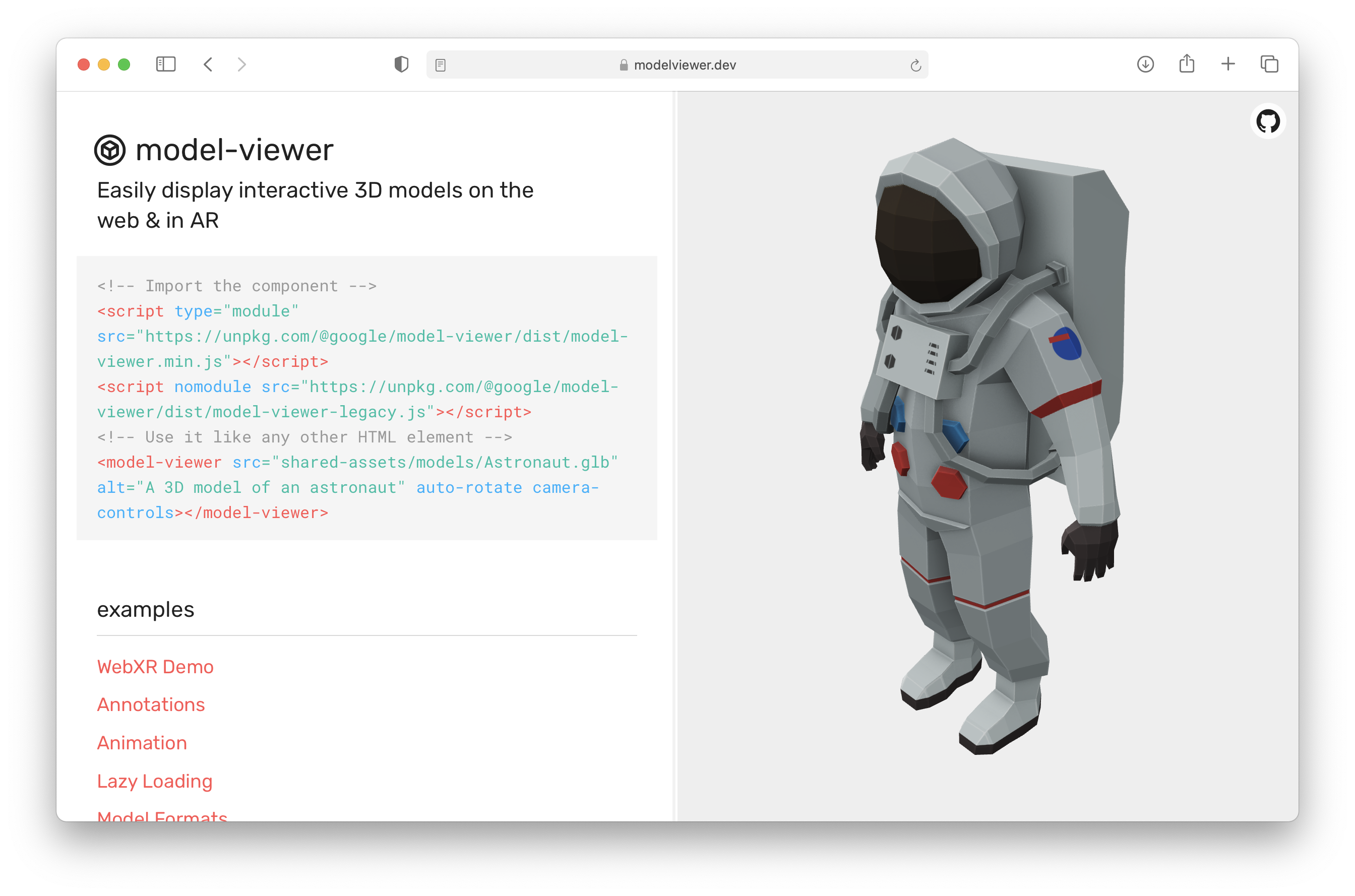
<model-viewer> Website
Reality Composer and USDZ
Reality Composer is a great tool to create interactive AR scenes. You
can export the design as a reality file, and you are all set. You don't
need to include any other library to use it. Just place the file in your
server and give it a link with rel="ar" attribute. The scene will be
shown on the user's iPhone or iPad. Also with iOS 14, you can show
custom banners and actions to the user.
To use Reality Composer, you need to download Xcode (because Reality Composer included in Xcode Developer Tools). Also, you can download and use it on your iOS devices as well. If you designed a scene on your Mac and want to test and change it on your iOS devices, Reality Composer works with your iOS devices and you can send your project to your device. You can edit or see your project in the real world. When you tap the Done button, your changes will synchronize with your Mac. And a quick reminder: These reality files only work on devices with iOS 13 and later.
USDZ is a file format that can be opened on iPhones and iPads natively. And, you can convert your existing 3D object file to USDZ easily (and without downloading Xcode). Apple has a tool called Reality Converter and it helps to create USDZ from many different file types (like obj, glTF, etc.). You can edit metadata and see a preview as well. If you already have a 3D object and want to deliver it to your customers without any additional adjustments, that should the correct software to do that.
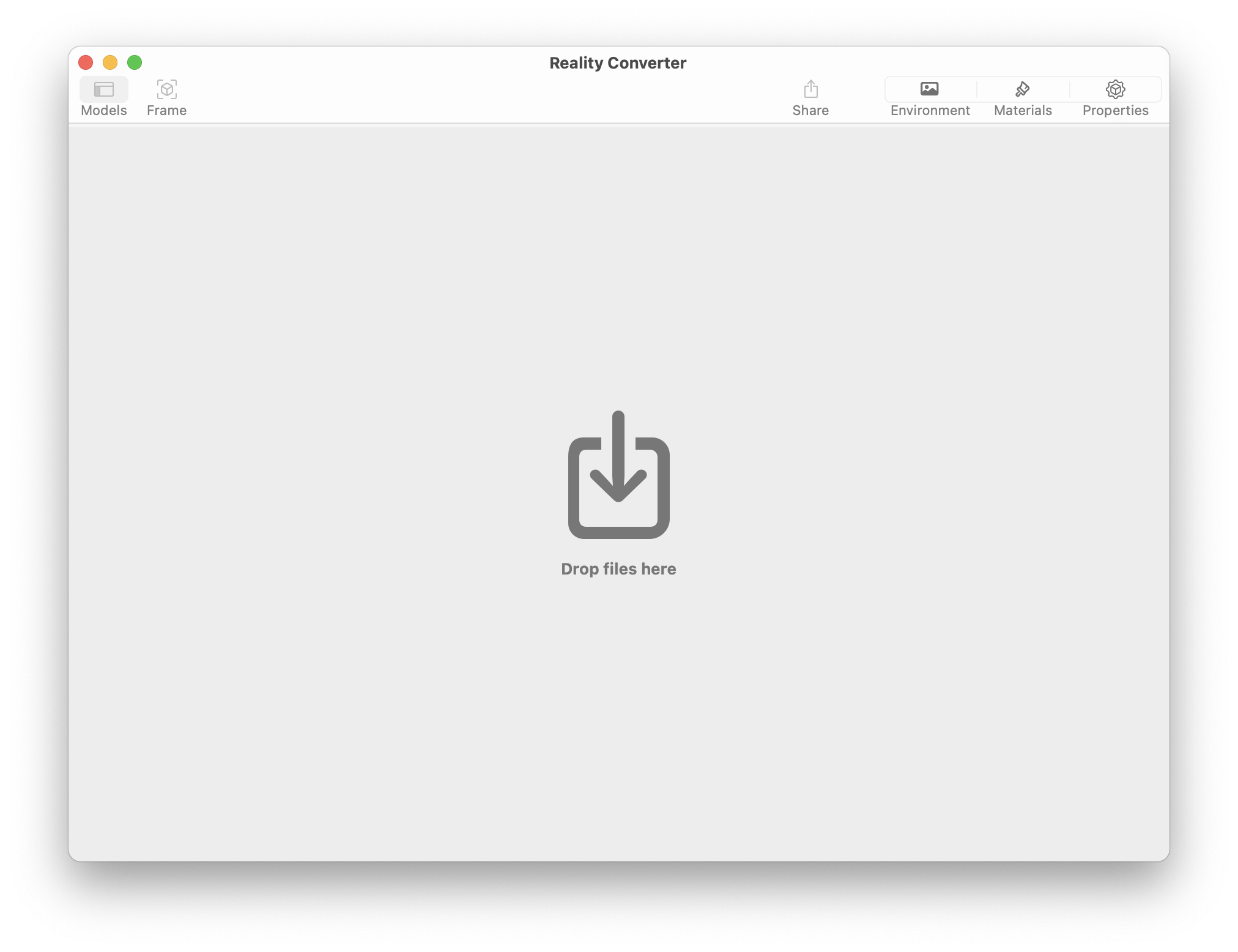
Reality Converter